Emergencies & Disasters
How to Set Up a Family Emergency Communication Plan
General information only, not professional advice. In an emergency, call 911 and follow local officials. How we use sources
In this guide
The single most useful habit in a family emergency plan is texting instead of calling: texts need far less bandwidth than voice calls and often get through when the lines are jammed. Build the rest in one 30-minute family meeting, covering two meeting spots, an out-of-state contact, and a backup plan for when cell service fails.
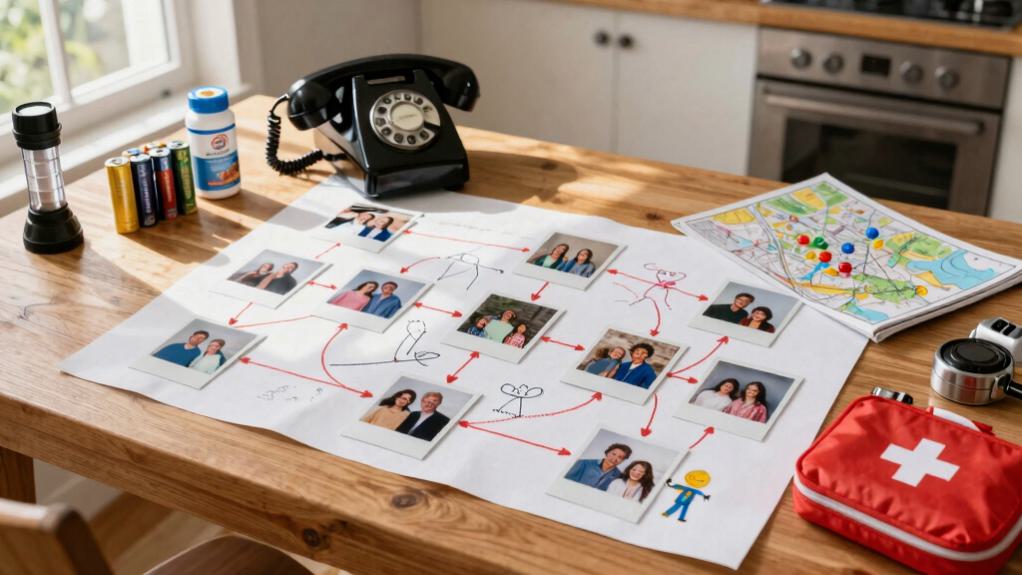
Sit your family down for one meeting: list the risks you actually face, give each person a job, and pick the spots where you’ll meet up. That’s what decides whether your family finds each other or ends up scattered when phones go down and roads close.
Start with a family meeting: identify risks and assign roles
Get everyone in one room and talk it through. Start with the risks for where you live. Ask what could happen here: hurricanes, earthquakes, wildfires, or a power outage. Write them down. No risk is too small to list.
Then hand out roles so everyone has a part. Pick a coordinator to lead, someone to write things down, and someone to keep the contact list current. Give kids a job too. It helps them feel useful instead of scared.
Be specific. Who grabs the emergency kit? Who calls relatives? Who takes care of the pets (and their pet emergency kit)? When people know their job ahead of time, they don’t freeze up. You want to walk out of this meeting with a real plan, not just good intentions.
Pick two meeting places everyone can reach
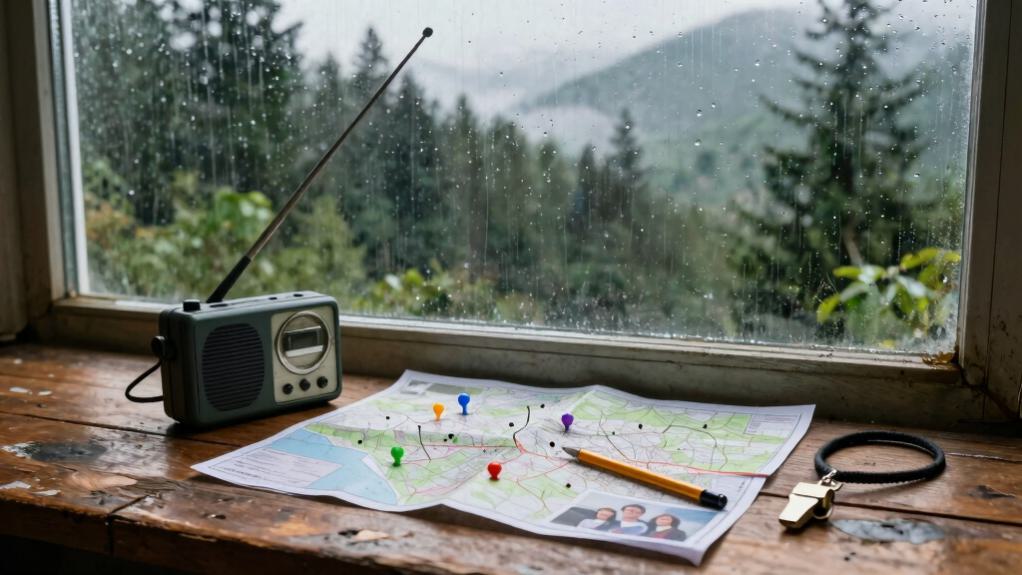
Pick two meeting spots your family can find without thinking. Ready.gov recommends a meeting place that’s familiar and easy to find: one nearby for a quick exit from the house, and one farther out for something that affects the whole area.
Both spots have to work for everyone in the family, including kids and older relatives. Keep these in mind:
- Distance: pick spots within walking distance for children and older relatives
- Access: make sure people can still get there if roads close or transit stops
- Recognition: choose landmarks your family knows on sight, not a street address nobody remembers
- Safety: keep spots out of flood zones, away from anything hazardous, and in well-lit areas
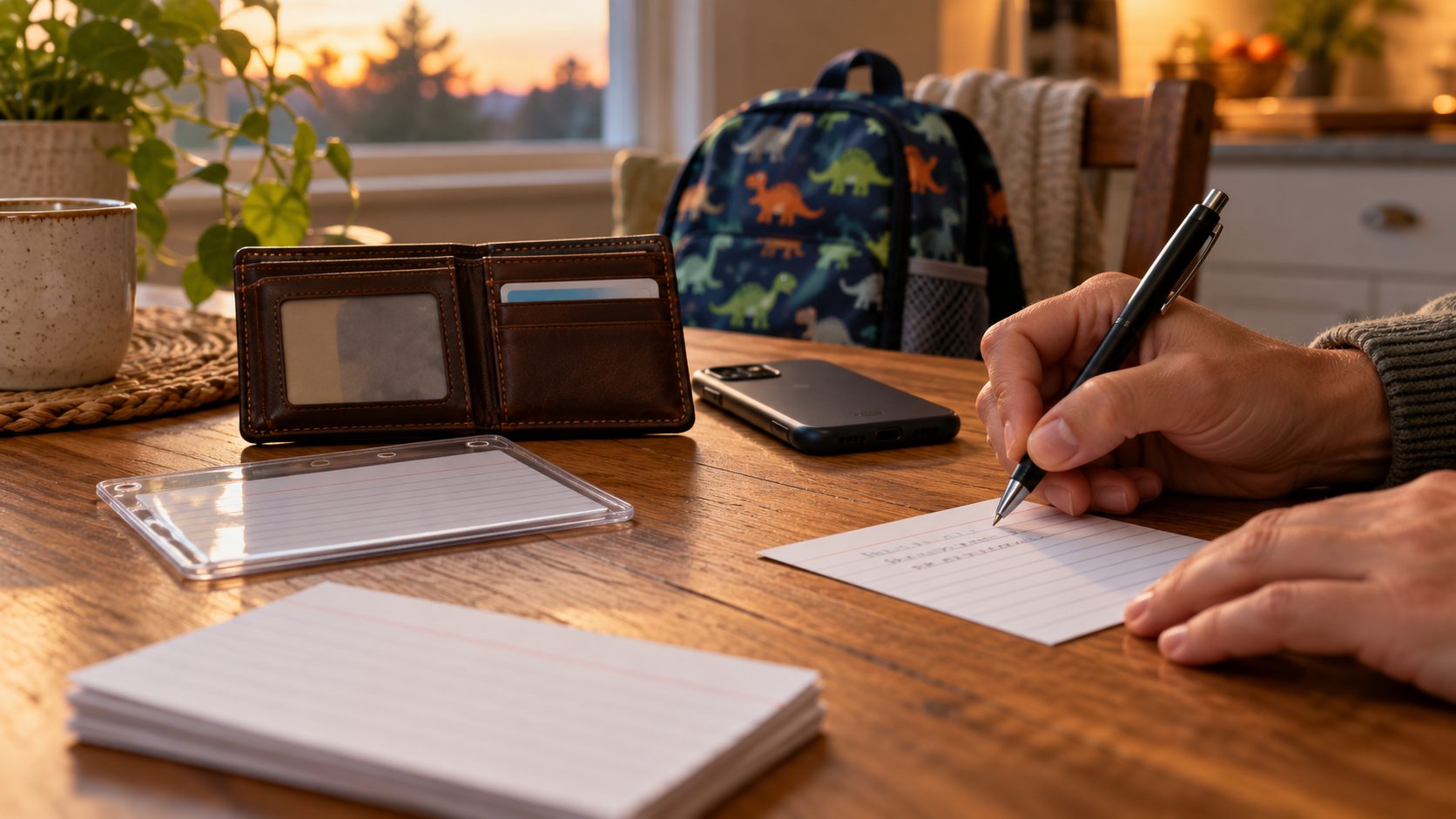
Write the addresses and directions on a card that fits in a wallet. Walk the routes once a quarter. When phones quit and streets clog up, those two spots are how your family gets back together.
Build your emergency contact network
Set up your contacts now, before you need them. Local towers can go down and your phone can die, so you want a list that doesn’t depend on either one.
List your contacts in three tiers. First, pick one out-of-state relative everyone can call when local lines are jammed. The American Red Cross recommends choosing an out-of-area emergency contact, since it’s often easier to get a call or text through long distance than across an overloaded local network. Second, name a nearby neighbor who can check your home when you’re away. Third, find a trusted contact at each person’s work or school.
Put these numbers in every phone, on a wallet card, and in each kid’s backpack. Our guide to what to put on an emergency contact card has a free front-and-back layout and a list of what to leave off. Tell each contact they’re on the list so they know their role. Test it twice a year. Call your out-of-state person and confirm they still pick up.
A good list turns confusion into a clear next step. A little redundancy keeps you connected even when the network isn’t.
Create paper and digital communication backups
Your contacts won’t help if you can’t reach them or show who you are. You need backups that work when the tech doesn’t.
Start with paper. Laminate cards with your main contacts, medical info, and meeting spots. Keep them in wallets, glove boxes, and your emergency kit. That way you’re never stuck without the basics.
Digital backups matter too. Use a few:
- Save contact lists to a USB drive and to cloud storage
- Download offline maps for your routes
- Screenshot important documents on a device you’ll have with you
- Turn on automatic phone backups
Test both once in a while. Update them every quarter. When networks crash and batteries die, these layers keep your family in touch.
Keep one simple, clearly labeled family card in both paper and digital form, or start from a ready-made family binder instead of building the layout yourself. List your primary and secondary contacts, your meeting spots, and a short script for calling authorities or first responders.
When cell service is down
Even with a solid contact list, none of it helps if the network itself is the problem. Cell towers get overloaded during emergencies. When everyone calls at once, the towers can’t keep up, and a bad storm or a plain old power outage can take them offline entirely. That’s not something going wrong with your phone. It’s the network being built for everyday use, not for everyone calling at the same moment. A few low-tech backups close that gap.
Text, don’t call
Text, don’t call, when the lines are jammed. The FCC advises trying text messages over voice calls during an emergency, since a text needs far less bandwidth and often gets through when calls won’t connect at all. Most phones will also hold an unsent text and keep trying to send it on their own. Draft the message you’d want to send now, covering your location and any medical needs, and hit send even at zero bars. The phone queues it and delivers it automatically once service returns, sometimes hours later. Test this once a month: turn on airplane mode, send yourself a text, then turn service back on and watch it go through.
FRS radios for talking with your block
Handheld FRS radios don’t require a license from the FCC and cost little enough that every house on the block can own a set. Pick a shared channel with your neighbors and you have a working line between homes even with the towers down. Radios need line of sight, so test your range before you need it: buildings and hills block the signal. Set a daily check-in time, keep spare batteries or a solar charger nearby, and skip sharing personal details over an open channel.
Satellite messaging for when there’s no signal at all
Most newer smartphones now include some form of satellite messaging built in, which works even with zero cell bars as long as you have a clear view of the sky. It’s meant for the moment FRS radios and texts both fail, not as your first option, since sending a message this way is slower and the phone walks you through aiming at a satellite. Check whether your phone has this feature and try it once in an open field before you need it, so you’re not learning the interface for the first time during an actual emergency.
Keep devices charged without the grid
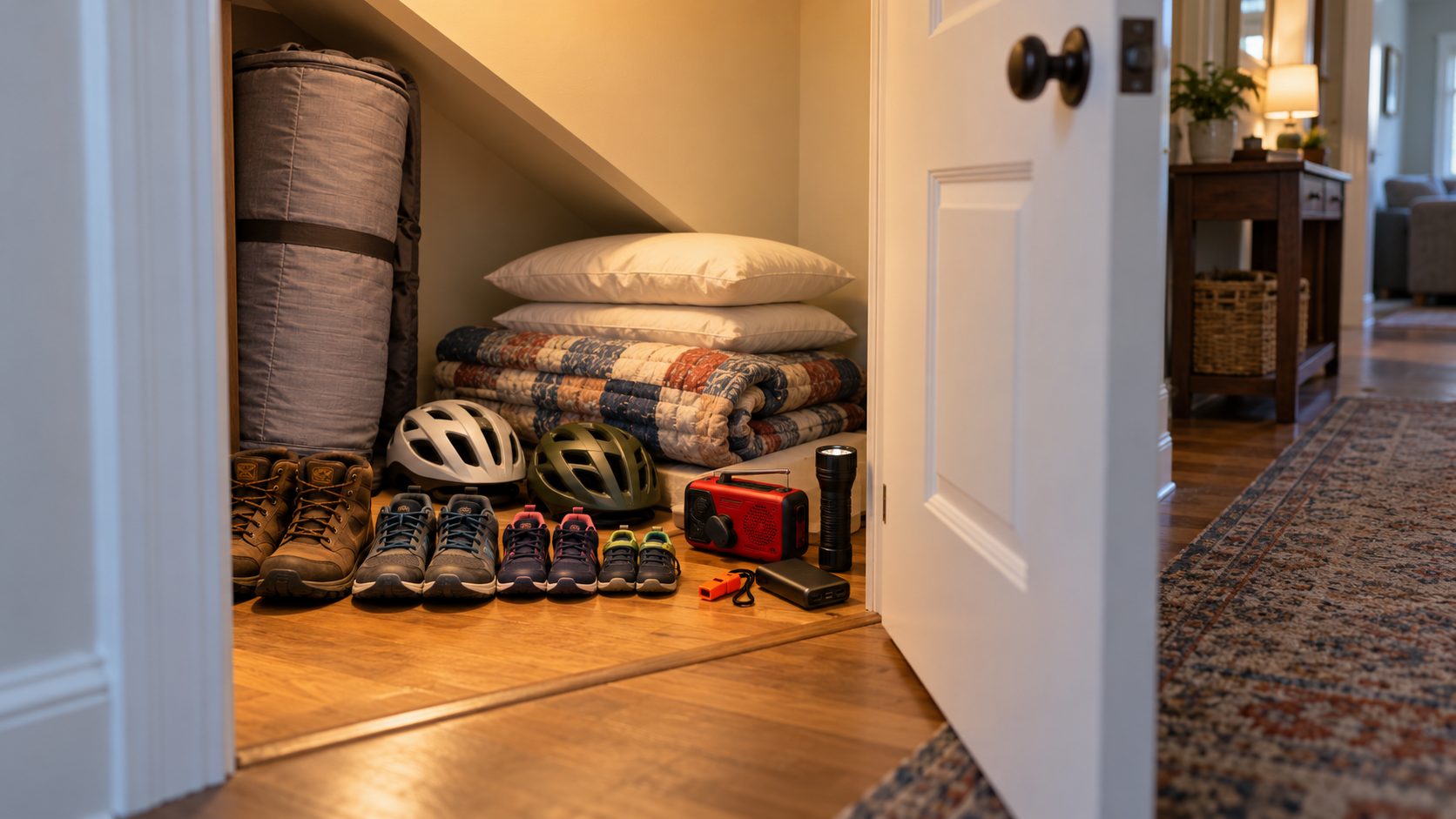
None of this works if the batteries are dead. A portable solar panel with a battery bank is the easiest backup, since it keeps working through cloudy days. A car inverter turns your vehicle into a charging station in a pinch. Pre-charged power banks give you power right away if you top them off once a month. Keep at least one option that doesn’t depend on the sun or a car with gas in it.
Layer your options with a simple backup plan
If your first way to reach someone fails, know what you’ll try next before you’re standing there deciding under stress. Cell phones and your usual apps are your first option. Landlines, email, or social media direct messages are the backup. A charged car or a physical meeting point is the fallback if both of those are out. Write down who covers which layer for your family and you won’t be improvising when it counts.
Practice your plan before disaster strikes
A plan you’ve never run rarely holds up. Do a practice drill twice a year so you catch the gaps before a real emergency does. Give each person a clear job: who calls the out-of-state contact, who handles the group text, who checks on older neighbors. Rotate the jobs so anyone can step in if someone’s missing.
Run the drills in different situations: a power outage, during school hours, on a weekend when you’re apart. Time how long it takes to reach your meeting spot. Note where the cell signal drops. Find out if your backup power bank actually holds a charge.
After each drill, talk it over. What was confusing? Who forgot their job? Fix the plan based on what you learned. Each round builds the habit, so people act instead of freeze when it counts.
Frequently asked questions
What if family members are traveling abroad?
Turn on international roaming before they leave so they stay reachable.
Check travel advisories for the destination and share the itinerary with the family.
Download an offline messaging app as a backup.
Set check-in times that account for the time zones.
Keep the local embassy contact info handy.
Name someone at home who can relay messages if a direct call won’t go through.
Test the plan before the trip.
How do we communicate with non-English speakers?
Find out each person’s preferred language and decide how you’ll get alerts into those languages. Lean on bilingual family members, translation apps, or messages you write out ahead of time in each language. Account for reading levels, how people prefer to communicate, and any access needs. Keep translated contact cards with emergency numbers in wallets and phones. Test it regularly so everyone knows their role.
Should we include neighbors in our plan?
Yes. Trade contact info and agree to check on each other when something happens. Neighbors can help fast when you can’t reach family.
You can also share generators, medical supplies, or a ride. Note any neighbors with useful skills, like nurses, mechanics, or people who speak another language. They add a lot to what your group can handle.
What about family members with no cell phone?
Set up a backup so no one gets left out. Use a landline, ask a neighbor to act as a messenger, or agree on a physical meeting point. Keep written instructions in their preferred language. You can also give them a prepaid phone or a walkie-talkie. Assign someone with a cell phone to check on them in person.
How often should we update contact information?
Go through your contact list every six months. Call each person to confirm their number, email, and address still work. Put it on the calendar for April and October, or tie it to the daylight saving time changes. Update right away when someone moves, changes jobs, or gets a new number.
Conclusion
You have what you need to keep your family connected when it matters. Start tonight. Get everyone together, pick your meeting spots, and program those numbers. Don’t file the plan away. Practice it until it’s second nature. Emergencies don’t wait, but you’ll be ready, and you’ll find each other no matter what comes.